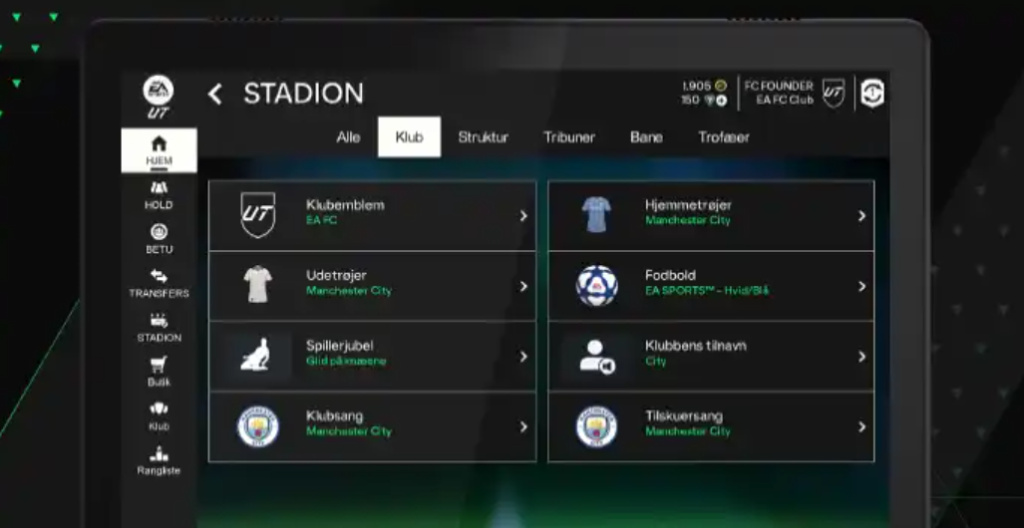
Once I had my companion app for my android I just setup my auto layout and then I checked if I scale it it will work fine. then I started research on the other companion apps for the pc and tablet. as I was already going with the EA fc 25 as an inspiration so, I looked for it’s version which was quite similar just bit of changes as earlier it was way too condense for the android version. But, as my companion app consist less content then the EA fc25 I didn’t need to create a new layout hence I scaled it and edited some bits by turning of the auto layout as that was causing some issues.
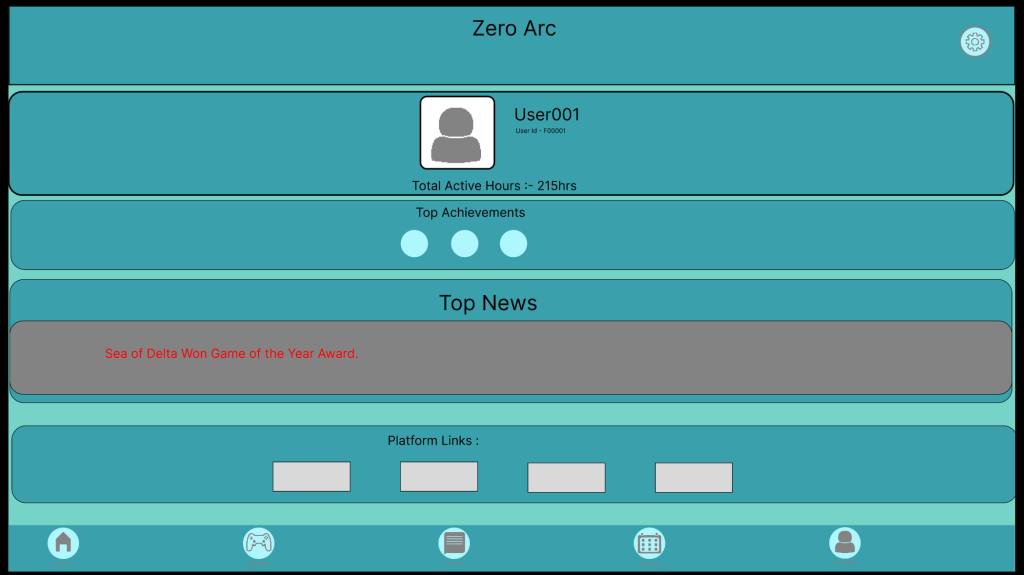
this is how the main page looked after a bit of scaling. Then I had to prototype each button to it’s respective page as I duplicated the pages from the android version.
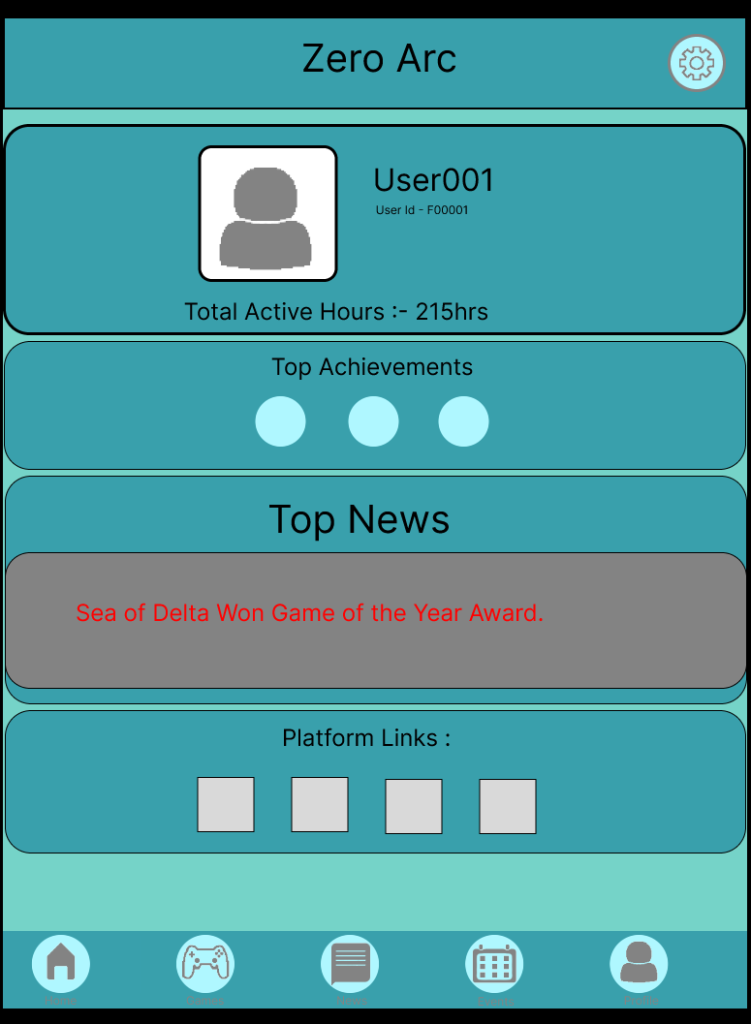
I did the same process with the tablet version and the companion app was look way better on tablet as it was less stretched . But, even then I had to do a bit of changes to makes sure all the features were working properly as, the news page was not scrolling so, I had to resize and turn of the auto layout off again for each page. After assuring that every think was working perfectly I did some post research from some games to ensure the product is different than usual products in the market.
Tablet Version
https://www.figma.com/design/CyN5yqv9dAKcnuy1ol6dYh/Tablet?node-id=0-1&t=ES6xmGo4RsUM7MFS-1Web Version
https://www.figma.com/design/C7Trp8byHT3MSvddnYJZ9h/Untitled?node-id=0-1&t=KJ9Rg4prlOxSVduk-1